

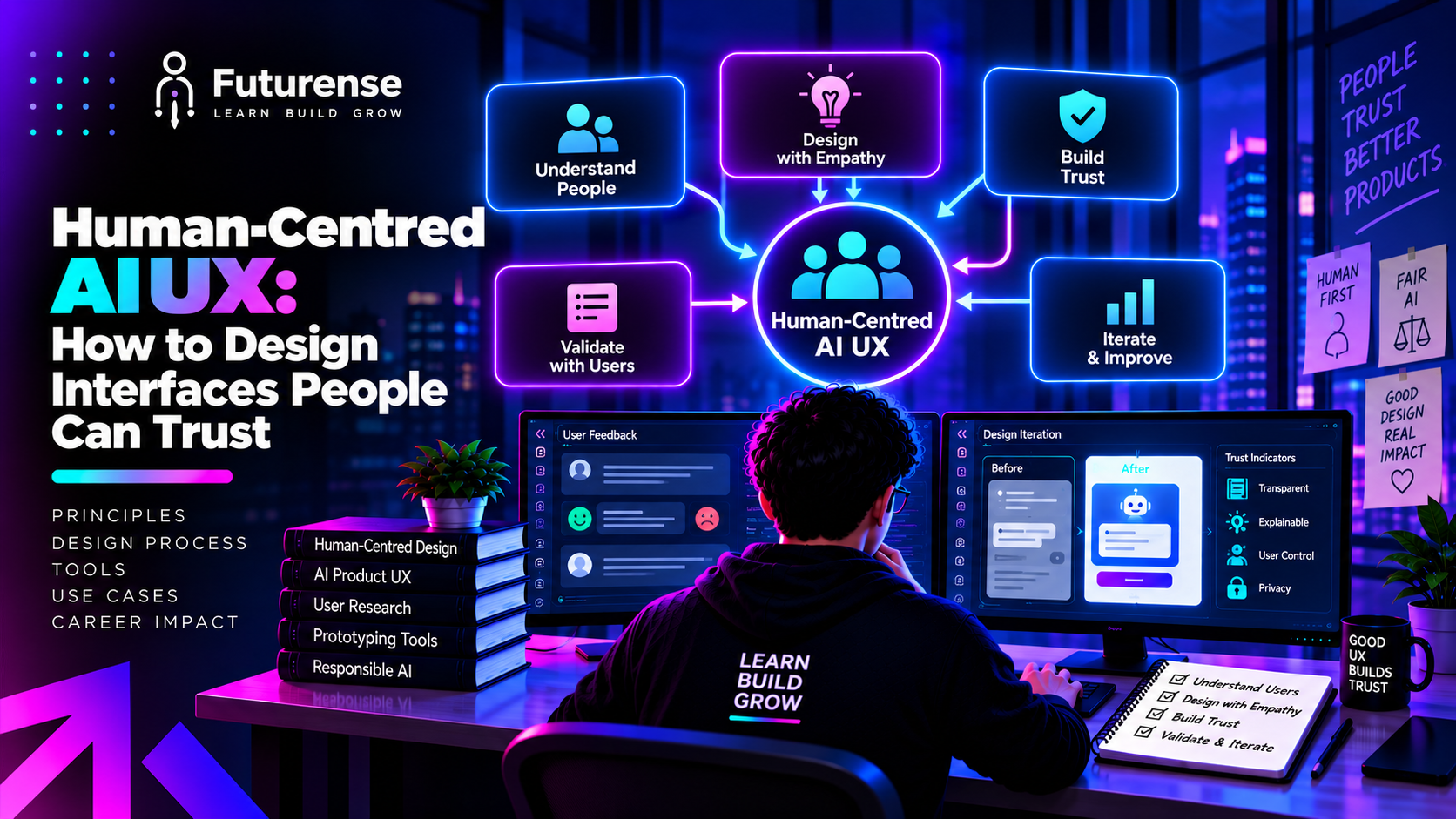


What Is Human-Centred AI UX?
Human-centred AI UX is the discipline of designing interfaces for AI systems so that they stay understandable, controllable, and useful to the people using them. It extends classic user-centred design to products whose behaviour is probabilistic, changes over time, and can be confidently wrong.
That last point is what makes AI different. A traditional interface is deterministic: the same button does the same thing every time, so users build an accurate mental model quickly. An AI feature gives different answers to similar inputs, sometimes fabricates details with total fluency, and may take actions on the user's behalf. A polished interface on top of an unreliable system is not good design; it is a more convincing way to mislead people.
If you are newer to the field, it helps to first understand the difference between UI and UX design and the standard UX design process. Human-centred AI UX builds on both, then adds a layer of questions that ordinary products rarely face: How sure is the system? How would the user know? What happens when it is wrong?
Why Trust Is the Central Design Problem
People use AI features based on how much they believe them. Both failures are costly:
- Overtrust happens when users accept outputs they should have checked, such as a fabricated citation, a wrong number in a summary, or an agent action they didn't notice.
- Undertrust happens when users ignore a feature that works well, or verify everything so thoroughly that the automation saves them no time.
A recent design analysis on trust calibration in agentic AI argues that the objective should be appropriate reliance, meaning users know when to rely, when to question, and when to step in, rather than blind trust. It also describes a third failure, supervisory collapse, where automation pushes people so far out of the loop that they stop paying attention just when their intervention matters most.
This reframes the job. A product team that celebrates "user trust went up" may be celebrating overtrust. The metric that matters is whether trust matches reliability.
Seven Principles for Designing AI Interfaces People Can Trust
1. Set Honest Expectations Up Front
Trust begins before the first interaction. Tell users what the feature does well, what it does poorly, and what it should not be used for. Research on human-AI interaction, including the widely cited guidelines from Microsoft researchers (Amershi et al., 2019) and Google's People + AI Guidebook, consistently starts here: make clear what the system can do and how well it can do it.
A short, specific line beats a generic disclaimer. "Summaries may miss details in tables" is useful. "AI can make mistakes" is wallpaper.
2. Communicate Uncertainty Where It Matters
If a system can be unsure, the interface should show it. That might be a confidence indicator, a "based on 2 sources" note, alternative interpretations, or plain language such as "I'm not certain about the date in this document."
Two cautions. First, a numeric confidence score can create false precision, especially because model confidence is often poorly calibrated. Second, showing uncertainty everywhere is as useless as showing it nowhere. Reserve the stronger signals for outputs where an error has real consequences, and keep the rest quiet.
3. Make Reasoning Visible, Not Overwhelming
Users do not need to see everything the model did. They need enough to judge whether to believe the output. Good techniques include:
- Sources and provenance: where did this come from, and can I open it?
- Highlighting: which part of the document or data supports the answer?
- Progressive disclosure: a short answer first, with the reasoning available on demand.
The principle is explainability in service of a decision, not explanation as decoration. A wall of technical detail can lower comprehension and pushes users toward either ignoring it or trusting the system more simply because it looks thorough.
4. Keep People in Control
Control is one of the strongest trust signals in the interface. Users should be able to edit AI output, undo actions, reject suggestions, and stop an agent mid-task. For consequential actions such as sending messages, moving money, or deleting data, add an approval step. This pairs directly with the backend practice of controlling the output of generative AI systems and with human-in-the-loop design for agents.
Better control tends to produce better calibrated trust. Users who know they can intervene are more willing to delegate low-stakes work, and more likely to look carefully at high-stakes work.
5. Design Friction on Purpose
Frictionless is not always better. The same trust-calibration research notes that reducing friction can increase overreliance, which means a one-click "accept all" on an unreliable output can do harm. Strategic friction at decision points, such as a preview before applying a change or a confirmation that shows exactly what will happen, supports judgment.
The craft is in being selective. Add friction where mistakes are expensive or irreversible, and remove it where they are cheap and reversible.
6. Design for Failure, Not Just Success
Most AI mockups show the best case. Real products spend a meaningful share of their life in the unhappy path: a wrong answer, a refusal, a timeout, an ambiguous request, a tool call that failed. Design these states deliberately:
- Say plainly what went wrong, without blaming the user.
- Offer a next step: retry, rephrase, edit manually, or hand off to a person.
- Make wrong outputs easy to flag, and show that feedback is used.
An interface that handles failure well can build more trust than one that never appears to fail, because it shows users the system will not leave them stranded.
7. Respect Privacy, Consent, and Fairness
Trust also depends on what the system does with people's data and whether it treats them equitably. Be explicit about what data is used, let users control it, and test outputs across the range of people who will use the product. These are interface decisions as well as policy ones, and they connect to the organisational layer covered in what AI governance means.
Designing for Agentic Interfaces
As products move from chat assistants to agents that plan and act, the design stakes rise. When AI agents call tools, hand tasks to other agents, and retrieve memory, much of what shapes the outcome happens out of sight. Three interface patterns help:
- Visibility of state: a live view of what the agent is doing, what it has done, and what it plans next.
- Checkpoints: pauses before irreversible steps, with a clear summary of the proposed action and the option to edit it.
- An audit trail: a record users can review afterwards to understand and, if needed, reverse what happened.
On the engineering side, teams need the matching capability to see failures as they occur, which is the focus of AI observability. Designers and engineers who understand each other's constraints build better products.
How to Test Whether Users Actually Trust the Right Things
You cannot assume trust is calibrated; you have to measure it. This is where research becomes essential, and why the work of a UX researcher matters so much on AI products. Useful approaches include:
- Deliberate-error studies: seed the system with wrong outputs and observe whether participants catch them. If nobody notices, you have an overtrust problem.
- Reliance tracking: compare how often users accept suggestions when the AI is right versus when it is wrong. Calibrated users accept more of the former.
- Think-aloud sessions: ask people why they believe an answer. The reasons reveal whether they are using the interface's signals or just its polish.
- Longitudinal checks: trust changes over weeks. Early delight can decay after the first visible error, or drift into complacency after many correct answers.
A Worked Example: Redesigning an AI Meeting-Summary Feature
Consider a tool that turns meeting recordings into summaries and action items. A first version might show a clean paragraph and a "Share with team" button. It looks great and quietly invites overtrust, because a wrong action item, such as the wrong owner or deadline, goes straight to colleagues.
A human-centred redesign changes several things without making the product heavier:
- Expectation line: "Summaries can miss context. Check owners and dates before sharing."
- Provenance: each action item links to the exact moment in the transcript it came from.
- Uncertainty cue: items where the system inferred an owner are marked "owner unclear" rather than filled in confidently.
- Control and friction: items are editable, and "Share" shows a preview of exactly what colleagues will receive.
- Failure path: a one-click "this is wrong" flag that corrects the item and records the feedback.
None of these changes require a better model. They change how the person and the system work together, and they are the kind of decisions a design team can test directly with users, using the methods above.
Common Mistakes in AI UX
- Treating the chat box as the whole design. An open text field pushes all the work onto the user and hides what the system can do.
- Equating confidence with correctness. A fluent, authoritative tone makes wrong answers more persuasive.
- Hiding the AI. Users should know when they are dealing with a model and when content was generated.
- Optimising for a high acceptance rate. A rising acceptance rate may signal overtrust, not quality.
- Skipping the unhappy path. If the error states are an afterthought, users will find them first.
- Falling into the usual design traps. Poor hierarchy, inconsistent patterns, and ignored accessibility hurt AI products as much as any other.
Building a Career in Human-Centred AI UX
Demand is growing for designers who can work on AI products, but the useful skills are not only visual. They include understanding how models fail, framing research for probabilistic systems, prototyping with real model outputs, and collaborating closely with engineers and product managers. A strong portfolio shows how you handled uncertainty, errors, and control, not just screens.
For learners who want structured training, programmes such as the PG Certificate in UI/UX Design with Agentic AI and GenAI combine design fundamentals with hands-on work on AI-powered products. Whatever route you take, build practice projects that include the failure states, because that is where employers can see how you think.
TL;DR: Human-centred AI UX is the practice of designing AI-powered products around what people actually need, understand, and can control, rather than around what the model can technically do. The goal is not maximum trust but calibrated trust: users rely on the AI when it is reliable and question it when it isn't. In practice that means being honest about uncertainty, showing enough of the system's reasoning to be useful, keeping people in control of consequential actions, and designing for the moments when the AI is wrong. This guide covers the core principles, the failure modes to design against, and how to start building the skill.
What is human-centred AI UX?
Human-centred AI UX is the practice of designing AI-powered products around what people need, understand, and can control. It adapts user-centred design to systems that are probabilistic, can be wrong, and sometimes act on a user's behalf.
How do you design AI interfaces people can trust?
Set honest expectations, communicate uncertainty where it matters, make reasoning and sources visible without overwhelming users, keep people in control of consequential actions, design clear error states, and test whether trust matches the system's actual reliability.
What is calibrated trust in AI?
Calibrated trust means users rely on an AI system in proportion to how reliable it really is: more when it is accurate, less when it is not. It avoids both overtrust, accepting wrong output, and undertrust, ignoring useful automation.
How should an interface show AI uncertainty?
Use plain-language caveats, source counts, alternative interpretations, or confidence cues, and reserve stronger signals for high-stakes outputs. Be careful with precise-looking numbers, since model confidence can be poorly calibrated and may suggest more accuracy than exists.
How do you design for AI hallucinations and errors?
Show sources so claims can be checked, add previews or approvals before consequential actions, make output easy to edit and undo, explain failures plainly, and provide a clear route to retry, correct, or reach a human.
Do I need to know how to code to work in AI UX?
Not necessarily, but you do need to understand how AI models behave and fail, and be able to work closely with engineers. Familiarity with prototyping tools and with model outputs helps considerably.


Advanced Engineering Program in Applied AI, ML with Context Engineering
IITM Pravartak
Become the Context Engineer every AI & ML team needs to design scalable, business-driven workflows.
