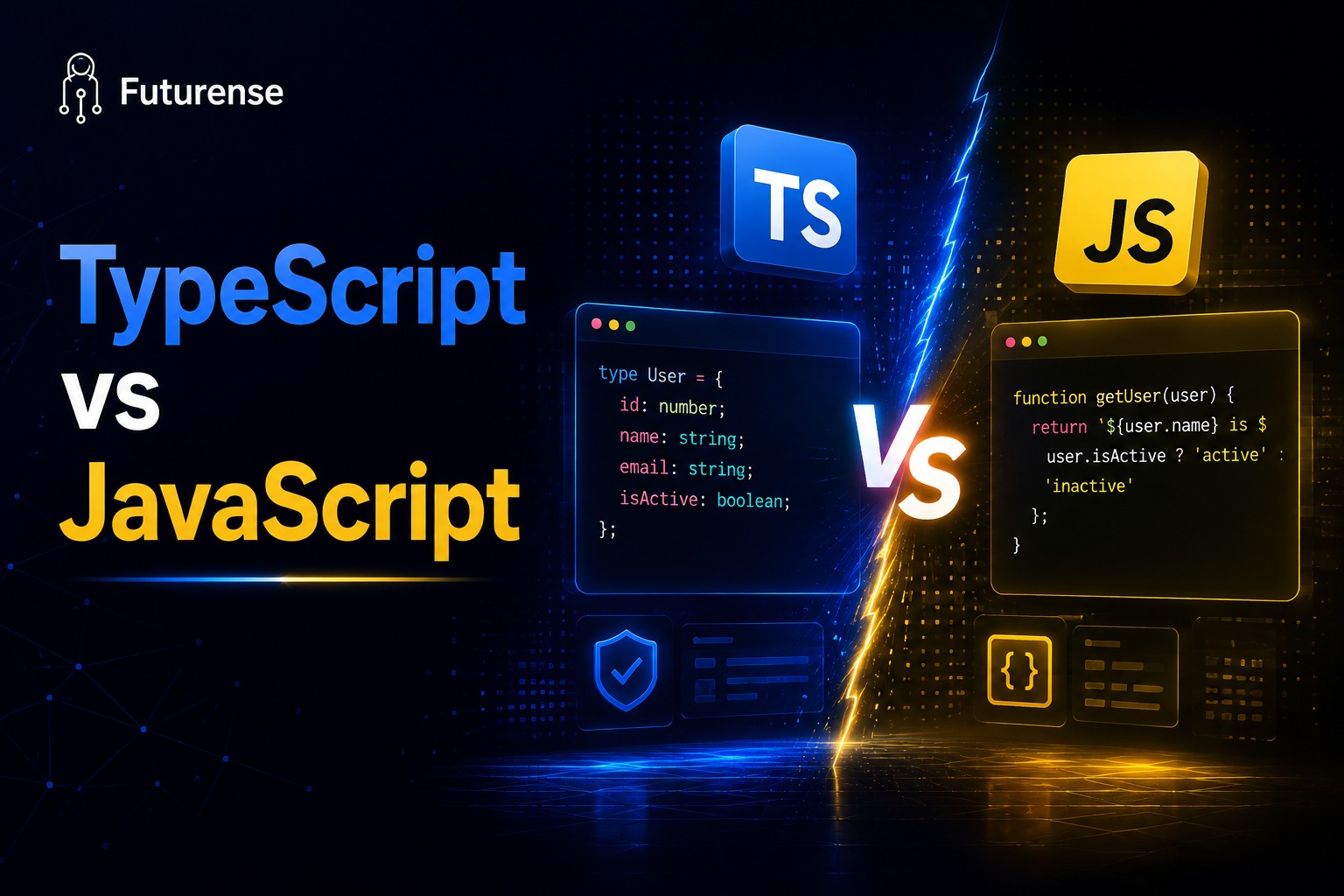


TypeScript and JavaScript are often presented as competing programming languages, but that comparison is slightly misleading. TypeScript is a superset of JavaScript, which means almost all valid JavaScript code can also be used in TypeScript.
The biggest difference is that TypeScript adds a static type system to JavaScript. Developers can specify whether a variable should contain a string, number, boolean, array, or a particular object structure. The TypeScript compiler can then identify many potential errors before the application runs.
This changes the "TypeScript vs JavaScript" question considerably. You aren't choosing between two completely unrelated languages like Python and Go. Instead, you're deciding whether the additional type safety, tooling, and maintainability of TypeScript are worth introducing into a JavaScript-based development workflow.
For beginners, JavaScript remains the foundation because TypeScript builds directly on JavaScript concepts. For developers working on large applications, however, TypeScript has increasingly become the preferred choice.
So, which is better in 2026: TypeScript or JavaScript? The answer depends largely on what you're building, how large the project is, how many developers are involved, and how long the codebase needs to be maintained.
TypeScript vs JavaScript: What's the Difference?
At a basic level, JavaScript is a dynamically typed programming language, while TypeScript adds static typing and additional development features on top of JavaScript.
JavaScript determines types at runtime. TypeScript allows developers to define and check types during development and compilation.
Consider the same function in both languages.
JavaScript Example
function calculateTotal(price, quantity) {
return price * quantity;
}
TypeScript Example
function calculateTotal(price: number, quantity: number): number {
return price * quantity;
}
The TypeScript version explicitly tells the compiler that price and quantity must be numbers and that the function returns a number.
If someone attempts to call the function incorrectly:
calculateTotal("10", 3);
TypeScript can flag the problem during development.
With JavaScript, the code can execute and produce unexpected behavior because JavaScript performs type coercion at runtime.
That's the fundamental value proposition of TypeScript: it can catch many categories of mistakes before your application runs.
TypeScript vs JavaScript Syntax: Side-by-Side Comparison
The syntax of TypeScript is intentionally very similar to JavaScript. Developers don't need to learn an entirely different programming model.
The biggest visible difference is the addition of type annotations and other TypeScript-specific features.
The pattern is fairly straightforward.
JavaScript prioritizes simplicity and flexibility. TypeScript prioritizes safety, maintainability, and developer tooling.
Neither is universally better. The right choice depends on the project.
How TypeScript Improves JavaScript Development
TypeScript's main advantage isn't that it allows developers to write fundamentally different applications. Instead, it gives developers more information about their existing JavaScript code.
For example, imagine a function that expects a user object:
function getUserName(user: User) {
return user.name;
}
The User type can describe exactly what properties that object should contain.
That information becomes especially valuable when multiple developers are working on the same application.
Without types, a developer may need to inspect documentation, search through the codebase, or ask another developer what structure a particular object has.
With TypeScript, the editor can often provide that information immediately.
This produces several practical benefits:
- Better autocomplete
- Earlier error detection
- Safer refactoring
- Clearer function contracts
- Better documentation through code
- Easier navigation through large projects
- Improved developer productivity
These benefits become more noticeable as applications become larger and more complicated.
JavaScript vs TypeScript: Which Is Easier to Learn?
If you're completely new to programming, JavaScript is generally easier to start with.
You can create a .js file, write some code, and run it without first understanding concepts such as interfaces, generics, type aliases, union types, or advanced type inference.
For example:
let username = "Alex";
let age = 25;
A beginner can understand this relatively quickly.
TypeScript introduces additional concepts:
let username: string = "Alex";
let age: number = 25;
The syntax itself isn't dramatically more difficult, but understanding why types matter requires additional programming knowledge.
That's why a practical learning path for beginners is:
JavaScript fundamentals → DOM and browser APIs → asynchronous JavaScript → modern JavaScript → TypeScript → framework such as React or Angular
Learning JavaScript first also makes TypeScript easier because you'll already understand the behavior that TypeScript is trying to describe.
Where JavaScript Is Still the Better Choice
TypeScript's growing popularity doesn't mean JavaScript has become obsolete.
There are plenty of situations where plain JavaScript is the more practical choice.
Small Scripts and Automation
If you're writing a short script that will run once or only be maintained for a short period, setting up TypeScript may introduce unnecessary overhead.
For example, a small Node.js script that renames files or processes a simple dataset may not need a full type system.
Rapid Prototypes
When you're testing an idea, speed can matter more than long-term maintainability.
JavaScript lets developers move quickly from an idea to a working prototype without spending time defining types.
Small Projects
If a project contains only a few files and is maintained by one developer, the benefits of TypeScript may not outweigh the additional configuration and concepts.
Learning JavaScript
Beginners should generally focus on understanding JavaScript itself before worrying about TypeScript.
Understanding functions, objects, arrays, scope, closures, promises, asynchronous programming, modules, and the event loop gives you a much stronger foundation for learning TypeScript later.
If you're evaluating JavaScript as part of a broader development stack, understanding what a MERN stack project actually looks like can also help put the language into a practical application-development context.
Why TypeScript Is Better for Large and Long-Term Projects
The argument for TypeScript becomes significantly stronger as a project grows.
Imagine a codebase with 500,000 lines of code and dozens of developers.
A small change to a shared object can potentially affect hundreds of files.
In JavaScript, developers may need to rely heavily on tests and manual verification to discover every affected location.
TypeScript can identify many of those broken references during development.
TypeScript Makes Refactoring Safer
Refactoring is one of the strongest arguments for TypeScript.
Suppose an application has a property called:
user.firstName
and you want to rename it to:
user.givenName
In a large JavaScript project, finding every reference can be difficult, particularly when data structures are dynamic.
With TypeScript, the compiler and editor can identify locations where the expected property no longer matches the defined type.
This doesn't eliminate bugs, but it can significantly reduce the number of mistakes that survive into testing.
TypeScript Acts as a Contract Between Developers
Consider a function used by ten different developers.
A TypeScript definition can communicate exactly what that function expects and returns.
function createUser(
name: string,
age: number
): User {
// ...
}
A developer doesn't have to guess whether age should be a string, number, or optional value.
The code itself provides that information.
This becomes especially valuable when developers join an existing project months or years after it was created.
TypeScript for React, Angular, Node.js, and Full-Stack Development
TypeScript isn't limited to frontend development.
It is widely used across modern JavaScript ecosystems.
TypeScript and React
React applications can use TypeScript to define component props, API responses, state structures, and event types.
For larger React applications, this can make component development and refactoring considerably easier.
TypeScript and Angular
Angular has long had strong TypeScript integration, making TypeScript a central part of the Angular development experience.
Developers working with Angular therefore commonly encounter TypeScript as a core requirement rather than an optional skill.
TypeScript and Node.js
TypeScript can also be used for backend development with Node.js.
Frameworks such as NestJS are designed around TypeScript and provide a structured approach to building server-side applications.
This makes TypeScript relevant to both frontend and backend developers.
For developers comparing different full-stack career paths, understanding what full-stack interviews actually test candidates on can provide useful context because modern full-stack roles increasingly involve typed JavaScript ecosystems.
TypeScript vs JavaScript Performance: Is TypeScript Faster?
A common misconception is that TypeScript makes applications slower because it adds an additional type system.
That's not how TypeScript works.
TypeScript does not normally run directly in the browser or Node.js runtime. It is transformed into JavaScript first.
For example:
const message: string = "Hello";
is ultimately transformed into JavaScript that can execute in a JavaScript runtime.
The type annotations don't remain as a runtime feature in the same way they exist during development.
Therefore, when comparing TypeScript and JavaScript runtime performance, the more important factors are the resulting JavaScript code, framework, algorithms, runtime environment, network performance, and application architecture.
The major performance consideration with TypeScript has historically been development and compilation time, rather than application execution speed.
The Biggest TypeScript Trend Heading Into 2026
The TypeScript ecosystem has continued to move toward large-scale adoption.
One of the most important signals is TypeScript's increasing presence across modern web development, particularly in frameworks and large production codebases.
Major ecosystems increasingly treat TypeScript as a first-class development option, and many new projects start with TypeScript rather than adopting it later.
Another important development is the work on a newer native TypeScript compiler implementation designed to significantly improve compiler performance on large projects.
For teams working with massive codebases, faster compilation can directly improve developer experience by reducing the time developers spend waiting for builds and type checks.
The broader takeaway is more important than any individual benchmark:
TypeScript is becoming increasingly normalized in professional JavaScript development.
That doesn't mean every project needs TypeScript, but it does mean developers should understand it if they want to remain competitive in modern frontend or full-stack development.
Is TypeScript Replacing JavaScript?
Not exactly.
TypeScript depends on JavaScript rather than replacing it.
The JavaScript language remains the foundation of the web, and browsers continue to execute JavaScript.
Even when developers write TypeScript, the final application generally needs JavaScript that the target runtime can execute.
This creates an important distinction:
JavaScript is the runtime foundation. TypeScript is a development layer built on top of it.
So learning TypeScript doesn't make learning JavaScript unnecessary.
In fact, strong TypeScript developers generally benefit from having a solid understanding of JavaScript behavior underneath the type system.
TypeScript vs JavaScript for Jobs and Career Growth
The choice also matters from a career perspective.
JavaScript remains one of the most important programming languages for web development, so JavaScript fundamentals are essential for frontend and full-stack developers.
However, knowing TypeScript can expand the range of production codebases you can comfortably work with.
This is particularly relevant for developers targeting:
- Frontend engineering roles
- React development
- Angular development
- Full-stack development
- Node.js backend development
- Enterprise application development
- Large SaaS products
- Modern web application teams
The important point is not that TypeScript automatically results in a higher salary.
Programming language alone does not determine compensation.
Experience, system design, problem-solving ability, frameworks, architecture knowledge, communication skills, company, location, and seniority all matter.
But TypeScript can be a valuable addition to the skill set expected from modern JavaScript developers.
TL;DR:
TypeScript is JavaScript with an optional type system layered on top, it compiles down to plain JavaScript, so anywhere JavaScript runs, TypeScript-compiled code runs too.
Use JavaScript for small scripts, quick prototypes, and projects where setup speed matters more than long-term maintainability. Use TypeScript for anything you'll be maintaining for more than a few months, working on with a team, or scaling past a handful of files.
As of August 2025, TypeScript actually overtook JavaScript as the most-used language on GitHub, which tells you where the industry's momentum sits heading into 2026.
Is TypeScript just JavaScript with extra steps?
Technically, TypeScript is a superset of JavaScript that adds features such as static typing. It introduces an additional development or compilation step, but that step provides benefits such as earlier error detection, stronger autocomplete, and safer refactoring.
Can I learn TypeScript without learning JavaScript?
Technically, yes. Practically, learning JavaScript first is recommended. TypeScript describes and extends JavaScript behavior, so understanding JavaScript fundamentals makes TypeScript's type system much easier to understand.
Is TypeScript slower than JavaScript?
Not necessarily at runtime. TypeScript is transformed into JavaScript before execution, so TypeScript's type annotations don't inherently make the resulting application slower. The main overhead traditionally associated with TypeScript has been development and compilation time rather than runtime execution.
Why is TypeScript becoming more popular?
Several factors contribute to its adoption, including the growth of large JavaScript applications, improved developer tooling, strong framework support, safer refactoring, and the increasing importance of maintainability in team-based software development.


Advanced PG Certificate in AI Engineering on Cloud and AIOps
IIT Roorkee
Engineer AI Systems for Top Enterprises, with the Most Critical Skills of the Decade